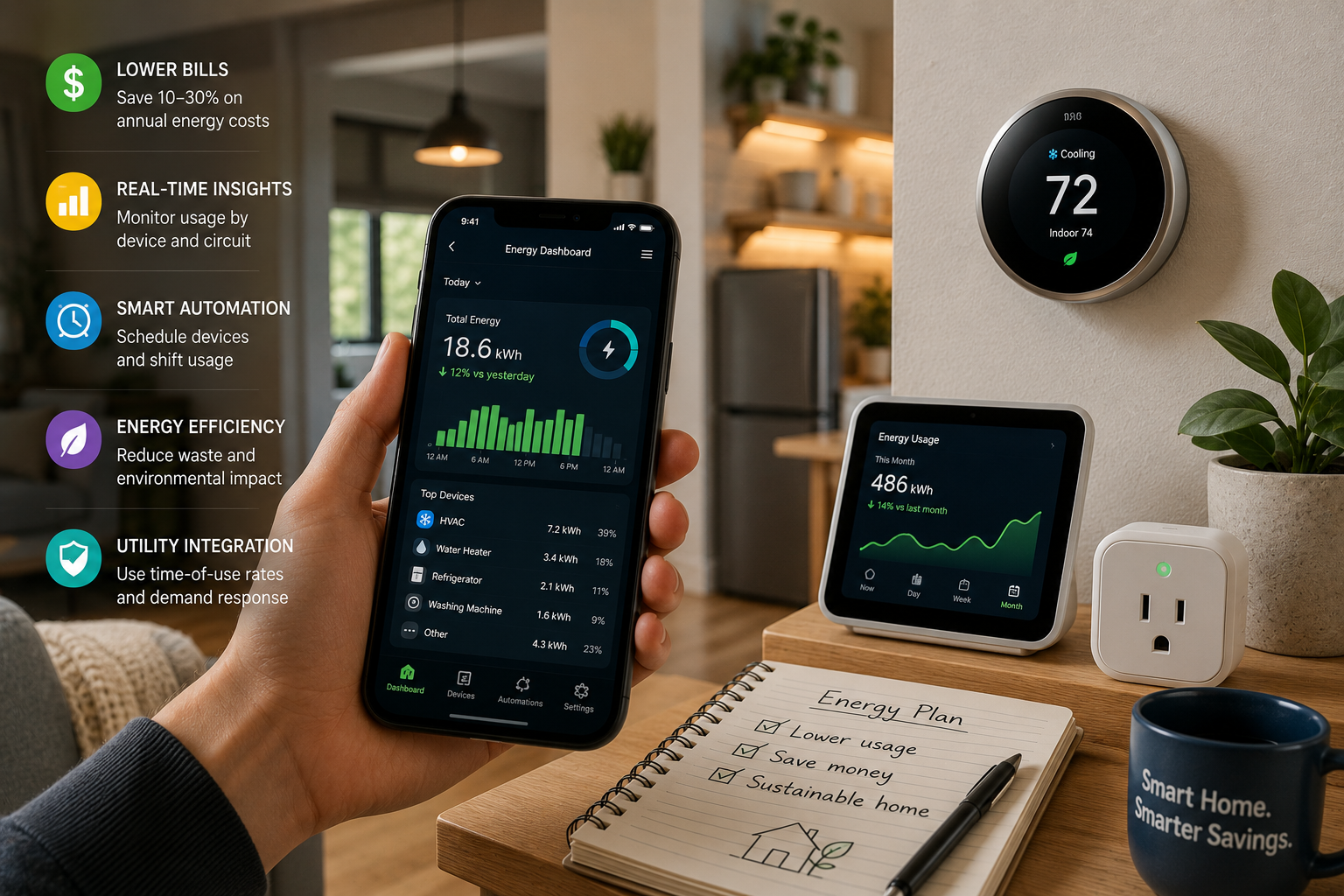
Your electricity bill climbs every summer and every winter, and you’ve probably wondered whether all those smart devices people rave about actually deliver real savings or just add more gadgets to manage. The honest answer: a properly configured smart home energy management system can cut your annual electricity costs by 10% to 30%, but only if you set it up with intention rather than plugging things in and hoping for the best. For the average U.S. household spending around $1,500 per year on electricity, that range translates to $150 to $450 back in your pocket. For Smart Home guides covering the full range of connected devices, WideJournal has you covered.
This guide walks you through building a home energy management system (HEMS) from the ground up, whether you’re starting with a single smart thermostat or ready to integrate solar, storage, and circuit-level monitoring. You’ll find real costs, honest difficulty ratings, and clear guidance on when a licensed electrician needs to be involved. For broader Home articles on renovations and upgrades that pair well with energy tech, those resources are worth bookmarking as you plan.
Canadian readers will find most of this advice applies directly, with some differences in utility programs and rebate structures worth noting along the way. Pricing throughout is in USD unless otherwise stated.
Key Takeaways
- A U.S. Department of Energy and NREL project targeting smart electrical panel-based HEMS found potential utility bill savings of approximately 10% through time-of-use pricing and circuit-level load control alone.
- Smart thermostats are typically the highest-return single investment, with ENERGY STAR estimates suggesting savings of around $50 per year for average households, though savings vary significantly by climate, home size, and existing HVAC efficiency.
- The EPA’s ENERGY STAR program now certifies Smart Home Energy Management Systems (SHEMS) against specific criteria including occupancy-based automation, standby power limits, and demand response participation.
- Time-of-use (TOU) pricing from your utility, combined with automated appliance scheduling, is one of the most effective and lowest-cost strategies available before you spend a dollar on new hardware.
- Peer-reviewed research shows that integrating electrical energy storage with smart scheduling and renewable inputs can minimize both daily electricity costs and peak-to-average power demand simultaneously.
What Is a Smart Home Energy Management System?
A smart home energy management system (HEMS) is a connected network of devices, software, and utility integrations that monitors, schedules, and automates your home’s electricity use to reduce waste and lower costs.
The term covers everything from a single smart thermostat paired with a utility app, all the way to a whole-home platform that coordinates solar panels, a battery like the Tesla Powerwall, a smart electrical panel from a company like SPAN (private), and circuit-level sensors. The scale you need depends on your goals, your home’s size, and your budget.
At its core, a HEMS does three things: it measures where energy is going, it automates devices to use power at lower-cost or lower-demand times, and it gives you data to make smarter manual decisions. The U.S. Department of Energy’s smart electrical panel HEMS project, developed with NREL and SPAN, specifically targets savings through time-of-use pricing and real-time circuit-level control, and it represents where the industry is heading over the next few years.
HEMS vs. Simple Smart Home Devices: What’s the Difference?
A smart plug or a Wi-Fi light bulb is not a HEMS. A HEMS involves coordination: devices communicating with each other and, ideally, with your utility’s pricing signals. When your smart thermostat pre-cools your home at 2 p.m. because it knows peak pricing starts at 4 p.m., that’s HEMS logic at work. When your dishwasher delays its cycle until 9 p.m. because a central hub told it rates dropped, that’s HEMS coordination. The distinction matters because buying smart devices without this coordination layer often delivers underwhelming savings.
Step 1: Audit Your Current Energy Use Before Buying Anything
Starting with a home energy audit, even a free one through your utility, gives you a baseline that determines which upgrades will actually move the needle on your bill.
Most major U.S. and Canadian utilities offer free online energy audits or in-home assessments. These tell you where your biggest consumption categories are: heating and cooling typically account for 40% to 50% of a home’s energy use, water heating around 18%, and appliances and lighting making up most of the rest, according to the U.S. Department of Energy’s guidance on reducing electricity use and costs.
Before spending anything, pull your last 12 months of utility bills and note your highest and lowest months. Check whether your utility offers time-of-use pricing. If it does, and you currently pay a flat rate, switching tariffs alone sometimes saves 5% to 15% annually with zero hardware purchases, just by shifting laundry, dishwasher cycles, and EV charging to off-peak hours. This is the free win most homeowners skip.
Difficulty Level and Time Estimate for Step 1
Difficulty: Easy. Time: 1 to 2 hours. Cost: $0. This step requires nothing more than logging into your utility account and spending time with your bills.
Step 2: Start With a Smart Thermostat
A smart thermostat is the single highest-return first purchase for most households, with the ability to learn schedules, respond to occupancy, and integrate with utility demand-response programs.
The EPA’s ENERGY STAR smart home products guidance covers smart thermostats as a cornerstone of home energy management, noting features like geofencing, scheduling, and integration with certified SHEMS platforms. For Canadian households, the Government of Canada’s guidance on saving money on home energy specifically recommends smart thermostat temperature setbacks for winter savings.
Leading options as of early 2026 include the Google Nest Learning Thermostat (4th generation, around $280), the ecobee SmartThermostat Premium (around $250), and the Amazon Echo Thermostat (around $80 for a more budget-focused entry point). Each integrates with utility demand-response programs in different ways, so confirm compatibility with your utility before purchasing. Installation is a two-wire or C-wire job that most homeowners can handle in under an hour, but if your system uses a heat pump with auxiliary stages, hire an HVAC technician to avoid misconfiguration.
Smart Thermostat Settings That Actually Save Money
Set your thermostat to 78°F when you’re home in summer, 85°F when away, and use the pre-cooling feature to bring the house down to comfort before peak pricing hours begin. In winter, 68°F when home and 60°F when away or sleeping are the Department of Energy’s cited setpoints for meaningful savings. Geofencing, which detects when your phone leaves the house, automates this without requiring manual adjustments.
Step 3: Add Smart Plugs and Monitors to Catch Vampire Loads
Standby power, sometimes called vampire load, can account for 5% to 10% of a home’s electricity use, and smart plugs with energy monitoring let you identify and eliminate that waste cheaply.
Smart plugs with power monitoring (Kasa EP25, TP-Link Tapo P115, and similar options ranging from $12 to $25 each) measure the wattage of whatever is plugged into them. Running a television, game console, and cable box 24/7 in standby can draw 30 to 50 watts continuously. Over a year, that adds up. Plug those devices into a smart power strip, set a schedule to cut power during overnight hours, and the savings accumulate with no behavioral change required from your household.
A whole-home energy monitor like the Emporia Vue 3 (around $80 to $150 depending on configuration) clips onto your electrical panel’s main breakers and gives you real-time circuit-level data without replacing your panel. This is a DIY-friendly option that delivers the monitoring benefit of a smart panel at a fraction of the cost. Difficulty: Moderate. The monitor installs inside your electrical panel, which requires turning off the main breaker. If that process is unfamiliar or your panel is older, have a licensed electrician handle the installation.
Step 4: Automate Appliance Scheduling Around Utility Pricing
Scheduling high-consumption appliances like dishwashers, washing machines, and EV chargers to run during off-peak hours is one of the most cost-effective HEMS strategies available.
Peer-reviewed research published in PubMed Central presents a multi-objective optimization model for smart home energy management showing that time-of-use tariff scheduling, combined with energy storage and renewables, can minimize both daily electricity costs and the peak-to-average power ratio. Even without solar or storage, the scheduling component alone produces measurable bill reductions when TOU pricing is available.
Many newer appliances (Samsung, LG, and Whirlpool WiFi-connected models) have built-in delay-start features accessible through their apps. Pair these with an automation platform like Google Home, Amazon Alexa routines, or Apple Home to create time-based rules. If your utility’s peak hours are 4 p.m. to 9 p.m., program the dishwasher to start at 9:30 p.m. and the washing machine at 10 p.m. The time investment is about 30 minutes of setup and real savings if your utility charges 50% to 100% more during peak hours, which many TOU plans do.
Step 5: Consider a Smart Electrical Panel or Whole-Home HEMS Platform
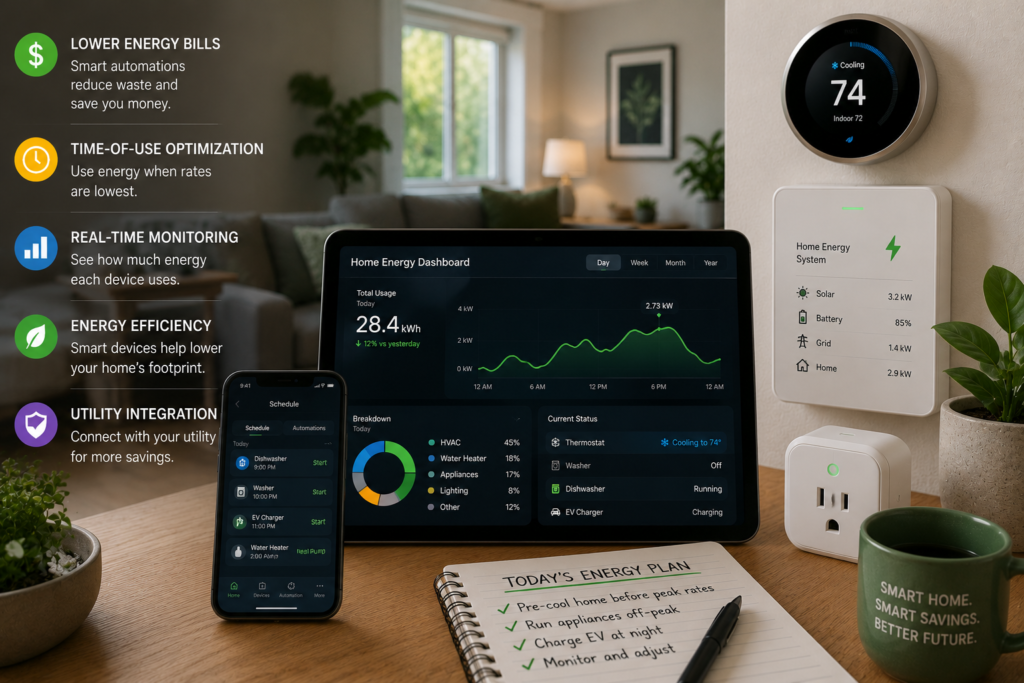
For homeowners adding solar, battery storage, or an EV charger, upgrading to a smart electrical panel creates the circuit-level intelligence needed to coordinate all energy assets automatically.
Smart panels from companies like SPAN (private) and Leviton start around $3,500 to $5,000 installed and replace your existing electrical panel with one that allows circuit-level control from an app. This is professional-installation territory: hiring a licensed electrician is not optional here. The payoff is the ability to shed non-essential loads automatically during grid events, prioritize power from a battery to critical circuits during an outage, and receive granular circuit-level data rather than whole-home estimates.
The EPA’s ENERGY STAR certification criteria for Smart Home Energy Management Systems now covers occupancy-based automation, standby power limits, demand response participation, and time-of-use pricing integration as baseline requirements for certified systems. When shopping for a whole-home HEMS platform, the ENERGY STAR SHEMS label provides a reasonable verification baseline.
Smart Home Energy Management Cost and Savings Comparison
| Component | Typical Cost (USD) | Difficulty | Est. Annual Savings | Pro Install Required? |
|---|---|---|---|---|
| TOU Tariff Switch (no hardware) | $0 | Easy | $75 to $200 (varies by utility) | No |
| Smart Thermostat (e.g., ecobee Premium) | $250 to $280 | Easy to Moderate | $50 to $150 | Recommended for heat pumps |
| Smart Plugs with Monitoring (4-pack) | $50 to $100 | Easy | $30 to $100 | No |
| Whole-Home Energy Monitor (Emporia Vue 3) | $80 to $150 | Moderate | Indirect (behavioral savings vary) | Recommended |
| Smart Electrical Panel (SPAN or Leviton) | $3,500 to $5,000 installed | Pro only | $150 to $450+ | Yes (licensed electrician) |
| Battery Storage (e.g., Tesla Powerwall 3) | $12,000 to $16,000 installed | Pro only | Varies by rate structure and solar pairing | Yes |
Alternative Perspectives
Not every smart home energy investment delivers equal returns. Critics of whole-home HEMS platforms point out that the hardware costs for smart panels and battery storage often require 10 to 20 years to recoup through energy savings alone, making the financial case heavily dependent on utility incentives, net metering policy, and whether the household has a specific resilience need like outage protection. For renters or homeowners planning to move within five years, the ROI calculation is unfavorable for expensive infrastructure upgrades.
Privacy advocates note that granular real-time energy data reveals significant details about household behavior: when people wake up, when they’re home, and what appliances they use. Utilities and third-party HEMS platforms collect this data under varying privacy policies. Reviewing a platform’s data-sharing practices before connecting to a utility integration is a reasonable precaution. There is also the practical reality of interoperability: smart home platforms built around proprietary ecosystems can create lock-in, and a device that works today may lose support or connectivity in three to five years as the market consolidates.
“Smart meters and home energy management systems allow customers to program how and when their home uses energy, which can meaningfully reduce both usage and costs when paired with time-varying utility rates.” U.S. Department of Energy, Office of Energy Saver”ENERGY STAR certified smart home energy management systems must meet criteria for occupancy-based automation, standby power limits, and the ability to participate in utility demand response programs.” U.S. Environmental Protection Agency, ENERGY STAR Program
Disclaimer
DIY projects involve risk. Always follow local building codes and safety regulations. Consult licensed professionals for electrical, structural, plumbing, or gas-related work. Results may vary.
Frequently Asked Questions
Switching to a time-of-use utility rate plan costs nothing and can reduce your bill immediately by shifting high-consumption tasks like laundry, dishwashing, and EV charging to off-peak hours. If your utility offers TOU pricing, checking your eligibility through your online account takes less than 15 minutes and is the single best first move before purchasing any devices.
No. A functional HEMS can be built with a smart thermostat, energy-monitoring smart plugs, a whole-home energy monitor, and automated appliance scheduling, all without touching your electrical panel. A smart panel adds circuit-level control and is worth considering if you’re also adding solar or battery storage, but it is not required for meaningful energy savings at the household level.
For renters, the practical HEMS options are limited to non-invasive devices: smart thermostats (if your lease allows), smart plugs, and appliance scheduling. These carry low upfront costs and can move with you. Infrastructure-level investments like smart panels or battery storage are not practical for renters, and even a smart thermostat may require landlord permission to install. Focus on the software-and-scheduling side of energy management rather than hardware upgrades.
Canadian rebate availability varies significantly by province. The Government of Canada’s energy savings campaign provides a starting point, and provincial utilities like BC Hydro, Hydro-Québec, and Enbridge Gas in Ontario each run their own rebate programs for smart thermostats, heat pumps, and energy audits. Natural Resources Canada’s website lists current federal incentives. Checking both the federal and your provincial utility’s rebate portal together gives the clearest picture of available savings.